

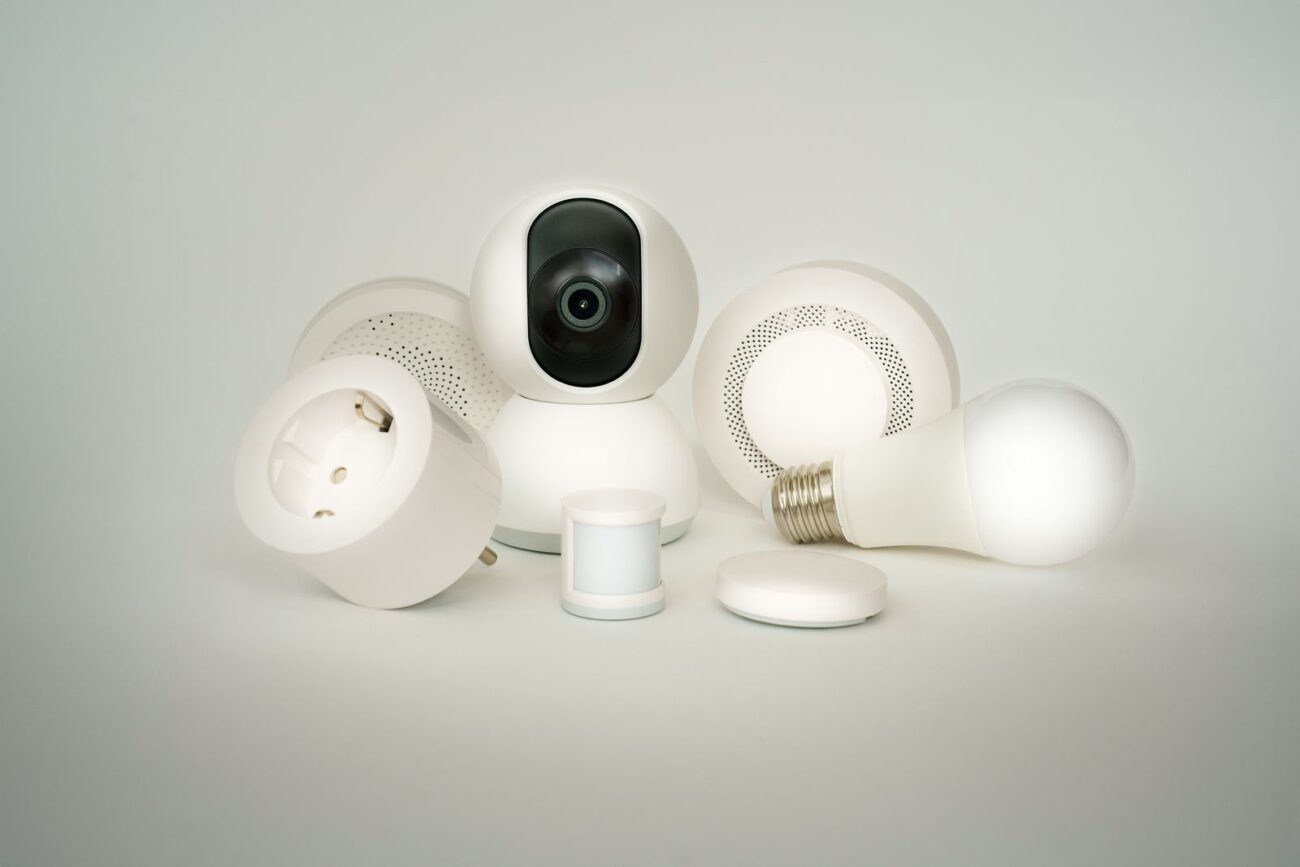
If you have ever bought a smart bulb that only worked with one app, or a lock that refused to talk to your voice assistant, you already know the problem Matter was built to solve. A matter smart home is a home where certified devices from different brands work together through one shared standard, instead of each brand running its own closed system. A Matter light, plug, lock, or thermostat is designed to work with Apple Home, Google Home, Amazon Alexa, and Samsung SmartThings, often at the same time, and to keep working on your local home network when your internet is slow. This guide covers what Matter is, how it works, and what to check before you buy.
What Is Matter Smart Home?
Matter is an open, royalty-free connectivity standard for smart home devices. It is not a brand, an app, or a voice assistant. It is a shared set of rules for how devices identify themselves, accept commands, and report their state, so a product from one company can be controlled by a platform made by another. The Connectivity Standards Alliance (CSA) publishes and maintains the standard, and only devices that pass its certification testing may carry the Matter logo. Think of Matter as a common language that replaces that patchwork, built on the internet protocol your phone and laptop already use.
Who Created Matter And Why?
Matter began in December 2019 as a working group called Project Connected Home over IP, often shortened to Project CHIP. It was founded by Amazon, Apple, Google, and the Connectivity Standards Alliance, then known as the Zigbee Alliance. More than 280 member companies contributed to the first release, according to the CSA, with the goal of ending the fragmentation that made smart homes hard to build. Each platform had its own requirements, and a change of phone could leave part of a home unusable. Matter gave makers one standard to build to and buyers one logo to look for. The first version, Matter 1.0, was published on 4 October 2022. Later releases added more types: Matter 1.3 (May 2024) brought energy reporting and EV chargers, 1.4 (November 2024) added solar, batteries, and heat pumps, Matter 1.5 added cameras, and 1.6 (June 2026) added NFC-based setup and Joint Fabric sharing.
How Does Matter Work?
Matter is an application layer above the network that defines what devices say to each other, not a replacement for Wi-Fi or Thread. When you tap a button in your app, your controller sends a Matter command across your home network to the device, which acts on it and reports back. The command does not always need to go to a company server and back. Remote access still needs a controller at home that is connected to the internet.
Wi-Fi Ethernet And Thread
Matter runs over three transports: Wi-Fi, Ethernet, and Thread. Wi-Fi suits mains-powered devices that need more bandwidth, such as smart plugs, cameras, and appliances. Thread suits small, low-power, often battery-powered devices, such as door sensors and some locks. Thread is a low-power wireless mesh network, so each device can relay messages for the others. A Thread device cannot talk to Wi-Fi directly, so it needs a Thread border router, which many modern hubs already include. Bluetooth Low Energy is used mainly for setup, when your phone hands a new device your network details.
Local Control And Security
Local control is one of Matter’s clearest benefits: commands stay on your home network when possible, so devices can respond faster and keep working when the internet is down. A strong home network still matters: weak Wi-Fi means slow commands, so check what good internet speed looks like before adding many devices. Matter also uses encrypted communication and authenticated setup, so a device should not join your home until you scan its QR code or enter its setup number.
Multi-Admin And Joint Fabric
Multi-admin lets one device be controlled by more than one platform at the same time. You can add a Matter plug to Apple Home, then share it with Google Home, so family members on different phones can control the same plug. To share one, create a fresh setup code in the first app and enter it in the second. Matter 1.4 added Enhanced Multi-Admin, and Matter 1.6 added Joint Fabric, which lets several authorised controllers manage one shared Matter network.
Which Devices Support Matter?
The CSA says Matter supports more than 30 device types. These are the types buyers are most likely to find in shops today:
- Smart plugs, switches, light bulbs, and light strips
- Thermostats, door locks, and window coverings such as blinds
- Motion, contact, temperature, humidity, and air-quality sensors
- Smoke and carbon monoxide alarms, robot vacuums
- Televisions, media players, and major appliances
- Energy devices, including EV chargers, solar panels and batteries
- Cameras and doorbells, added in Matter 1.5, although certified cameras are still rolling out
A feature in a new version is not the same as a product on sale, so check the product page and look for the Matter logo before you buy.
Which Platforms Support Matter?
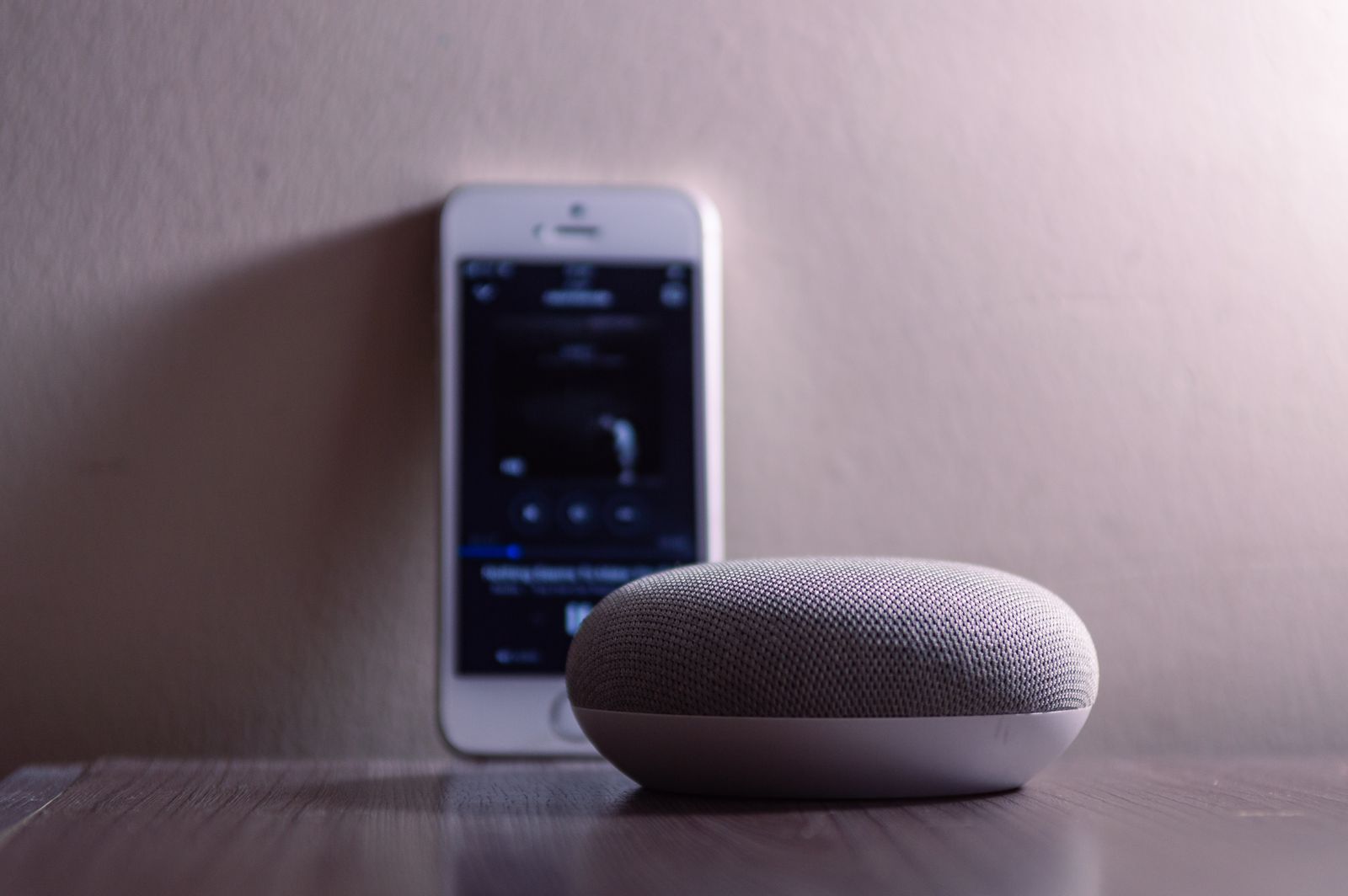
The four main platforms all support Matter, and Home Assistant does too. Apple Home works with Matter through HomePod, HomePod mini, and Apple TV 4K. Google Home works through Nest Hub, Nest Hub Max, Nest Wifi Pro, and other Nest speakers and displays. Amazon Alexa works through most recent Echo speakers and displays, with some models also acting as Thread border routers. Samsung SmartThings works through its hubs and some Samsung TVs and appliances. Pick the platform that fits the phones and voice assistant your household already uses; in a mixed iPhone and Android household, multi-admin lets the same device appear in Apple Home for one person and Google Home for another.
How To Set Up A Matter Smart Home
Start with one platform and one controller, and add devices one at a time so you can test each one. First, choose your main platform and make sure you have a compatible controller in your home. Next, check that your phone and controller are on the same home network and that Wi-Fi reaches the room where the device will live. Then open your smart home app, choose to add a device, and scan the Matter QR code on the device or its box, or enter the numeric setup code beside it. Let your phone hand the device your network details over Bluetooth, then wait while it joins your Wi-Fi or Thread network. Give it a clear name and a room, so voice commands work as expected, then test it from the app and by voice and set up automations in your platform’s app. To share it with a second platform, create a new code in the first app and add the device in the second app with that code. A Thread border router is only needed for Thread devices. Your Wi-Fi password matters more once many devices join the network, so use a strong one; our guide to the strongest WiFi password explains how to choose it.
Matter Versus Zigbee And Z-Wave
Zigbee and Z-Wave are older standards that still work well. The key difference is that Matter is an IP-based application layer that runs over Wi-Fi, Ethernet, and Thread, while Zigbee and Z-Wave are their own radio systems. A Zigbee device needs a Zigbee hub, and a Z-Wave device needs a Z-Wave hub, but a Matter controller can come from any major platform, and the device can then be shared with another platform through multi-admin. Many Zigbee products can still reach Matter through a bridge, so working Zigbee or Z-Wave devices need not be replaced at once. For a new purchase, though, Matter gives you a wider choice of platforms and an easier path if you switch phones or voice assistants later.
Benefits Of A Matter Smart Home
The main benefit is choice: you can buy a bulb from one brand, a plug from another, and a lock from a third, and control them all from one app. Setup is simpler too, because every certified device uses the same QR code or numeric code process. Local control is the second benefit, because commands stay on your home network when possible. Security is the third, because Matter builds in encrypted communication and authenticated setup. Finally, Matter is backed by the major platforms and hundreds of member companies, and the CSA keeps adding device types.
Limitations And Problems To Know
Matter is still young. The standard launched in late 2022, and some device types arrived only recently. Cameras are the clearest example: Matter 1.5 added them, but certified cameras are still rolling out and platform support varies, so do not buy a camera for Matter alone until your platform lists it as supported. Multi-admin can also be uneven, because each platform implements sharing on its own schedule. Advanced features are another limit: a bulb may support on, off, and brightness through Matter, while a maker’s own lighting effect stays in the maker’s app. A Thread device also needs a Thread border router, and older hubs may not have one. As with what AI stands for, a smart label tells you what a product can do, not that it can do everything in every system.
What To Look For When Buying Matter Devices
Buy with a short checklist. First, look for the Matter logo and check that the product is listed as Matter-certified; Second, check which transport it uses: a Wi-Fi device needs good Wi-Fi where it will sit, and a Thread device needs a Thread border router. Third, confirm your platform supports that device type, not just Matter in general. Fourth, keep the setup code safe, because you will need it to reset or share the device. Fifth, read what works through Matter and what needs the maker’s app, and check the product’s stated operating range.
Conclusion
Matter gives buyers a simple promise: a certified device should work with the major platforms, on your local network, and alongside devices from other brands. It was created by the Connectivity Standards Alliance with Amazon, Apple, Google, and Samsung, it runs over Wi-Fi, Ethernet, and Thread, and it has grown from the basics in version 1.0 to more than 30 device types, including cameras and energy devices. It is not perfect yet: new device types take time to reach the shops, and Thread devices need a border router. But for a new smart home, Matter is now the safest starting point. Choose your platform, check for the Matter logo, and build slowly.
Frequently Asked Questions
What Is A Matter Smart Home In Simple Terms?
A matter smart home is a home where certified devices from different brands work together through the Matter standard, controlled from Apple Home, Google Home, Amazon Alexa, or Samsung SmartThings.
Do I Need A Hub For Matter?
You need a Matter controller, often a smart speaker, display, or hub, such as a HomePod, Nest Hub, Echo, or SmartThings hub. You only need a Thread border router for Thread devices.
Does Matter Work Without The Internet?
Matter control can work locally on your home network, so basic commands can keep working offline. Remote control still needs an internet-connected controller at home.
Is Matter The Same As Thread?
No. Matter is the application layer, the shared language devices use. Thread is a low-power wireless mesh network that some Matter devices use to communicate.
Do Old Smart Home Devices Work With Matter?
Some do, through a bridge or a software update. Many Zigbee devices can reach Matter through a Matter bridge, but not every old device can be updated, so check the maker’s product page first.
Is Matter Worth It In 2026?
For most buyers, yes. Matter gives you wider brand choice, simpler setup, local control, and the freedom to share devices between platforms.
